Postcard Mockup V1: Professional Design Showcase
Presenting your creative work effectively is often just as important as the design itself. Whether you are a freelance graphic designer, a small business owner launching a new marketing campaign, or an educator preparing classroom materials, the way you display your ideas can significantly impact how they are perceived by clients and audiences. This is where Postcard Mockup V1 becomes an essential tool in your digital toolkit. It bridges the gap between a flat digital file and a tangible, realistic presentation that captures attention.
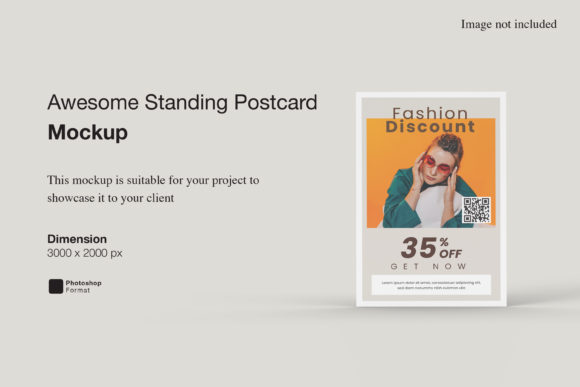
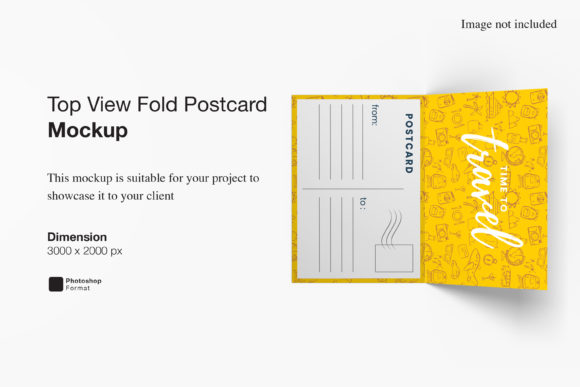
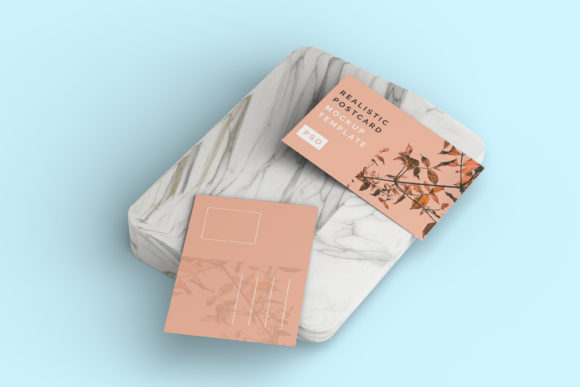
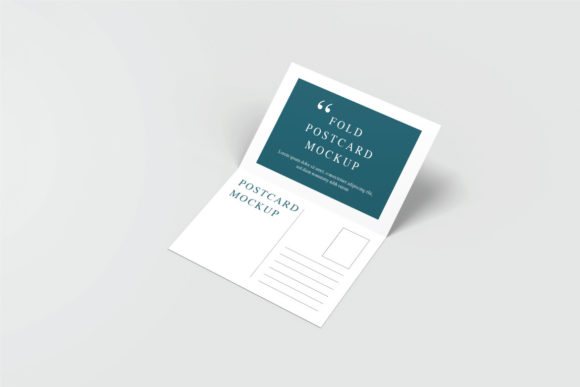
This mockup is designed to help you showcase your designs professionally in a realistic 3D display. Instead of sending a client a plain JPEG or PNG file that lacks context, you can present your postcard design within a lifelike environment. This adds depth, texture, and realism, making your work look polished and ready for print before it ever hits the paper. For beginners, this means looking like a pro with minimal effort. For experienced professionals, it means saving time while maintaining high-quality standards.
Why Realistic Presentation Matters
In the world of visual communication, context is king. A postcard design might look perfect on a white screen, but does it look good when folded? Does the color palette hold up under natural lighting? How does the typography interact with the physical layout? These are questions that potential clients often ask themselves subconsciously. By using a high-quality mockup like Postcard Mockup V1, you answer these questions before they are even asked.
A realistic 3D display helps buyers visualize the final product. It reduces uncertainty and builds trust. When a client sees their design rendered in a format that closely resembles the real thing, they feel more confident in their purchase decision. This is particularly valuable for online marketplaces, portfolio websites, and social media promotions where first impressions happen in seconds. The ability to replace the design easily and quickly using smart-object features ensures that you can tailor every presentation to fit specific project needs without starting from scratch.
How Postcard Mockup V1 Works
The technical backbone of this tool is its compatibility with Adobe Photoshop. Available in PSD format, it leverages smart-object technology to streamline the workflow. Smart objects are essentially placeholders that allow you to swap out content without altering the underlying structure of the mockup. This feature is crucial for efficiency, especially when you need to present multiple variations of a design to different clients.
Here is what makes the process so straightforward:
- Instant Replacement: You can replace the current designs with your own within seconds. There is no need to manually align layers or adjust blending modes.
- User-Friendly Interface: Even if you are new to Photoshop, the smart-object system is intuitive. You simply double-click the smart object layer, paste or place your design, save, and the mockup updates automatically.
- Guidance Included: To ensure a smooth experience, a PDF help guide is included with the download. This resource walks you through the steps, making it accessible for users who may not be Photoshop experts.
This ease of use is a significant advantage. It removes the technical barriers that often discourage people from creating professional-looking presentations. You can focus on the creativity of your design rather than the mechanics of the software.
Key Features and Specifications
When evaluating a digital asset, specifications matter. Postcard Mockup V1 is built with high-resolution standards to ensure clarity and detail. Here are the core features that define its quality:
- High Resolution: The file size is 3000x2000 pixels at 300 dpi. This resolution is ideal for both web display and high-quality printing. It ensures that every detail of your design is sharp and crisp, whether viewed on a smartphone screen or projected on a large monitor.
- Changeable Background Color: Flexibility is key in design. This mockup allows you to change the background color to suit your branding or aesthetic preferences. Whether you want a neutral backdrop to let the postcard stand out or a vibrant color to create mood, you have full control.
- Realistic Textures: The 3D rendering includes subtle shadows, highlights, and surface textures that mimic real-world materials. This attention to detail enhances the authenticity of the presentation.
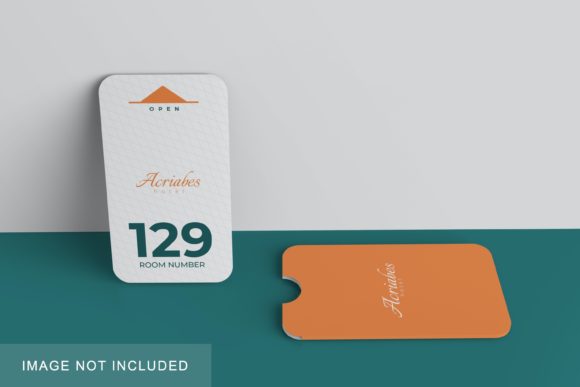
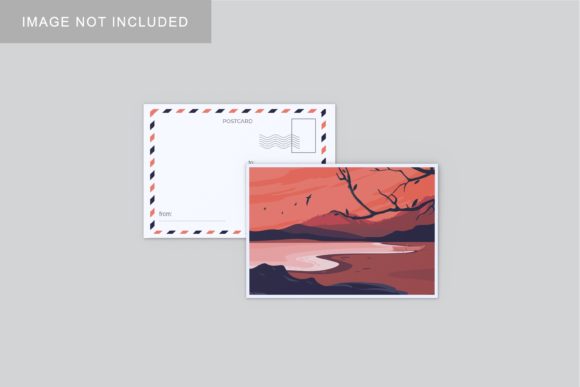
It is also important to note that the photos used in the preview images are for illustration purposes only and are not included in the download. This is standard practice in the industry, allowing you to insert your own unique content immediately.
Practical Use Cases
The versatility of Postcard Mockup V1 makes it suitable for a wide range of applications. Here are some common scenarios where this tool shines:
Marketing and Advertising
Small business owners and marketers can use this mockup to promote direct mail campaigns. Imagine showcasing a holiday sale postcard or a new service announcement in a realistic setting. It helps stakeholders visualize the impact of their advertising spend.
Portfolio Building
Freelancers and designers can enhance their portfolios by including mockup presentations alongside raw design files. This demonstrates not only your design skills but also your understanding of production and presentation. It shows clients that you care about the entire process, from concept to final product.
Educational Materials
Educators and students working on graphic design projects can use this mockup to present their assignments. It provides a professional finish to student work, helping them understand how their designs will look in the real world. It is a great learning tool for understanding scale, proportion, and visual hierarchy.
Social Media Content
Bloggers and content creators can use high-quality mockups to create engaging posts. A visually appealing mockup is more likely to stop the scroll on platforms like Instagram or Pinterest. It adds a layer of professionalism to personal brands and encourages higher engagement rates.
Things to Consider Before Using
While Postcard Mockup V1 offers many benefits, there are a few practical considerations to keep in mind. First, ensure that you have access to Adobe Photoshop, as the file is provided in PSD format. If you do not have Photoshop, you may need to explore alternative editing software that supports smart objects or consider upgrading your tools.
Secondly, always check the dimensions of your original design against the mockup’s requirements. While the mockup is high-resolution, ensuring your source file is optimized will prevent pixelation or blurriness in the final render. It is also wise to test the mockup with a simple design first to familiarize yourself with the smart-object workflow before applying it to complex projects.
Finally, remember that while mockups are powerful tools, they are representations, not reality. Always review physical proofs when possible to ensure colors and finishes match your expectations. However, for most digital presentations and pre-production checks, Postcard Mockup V1 provides an excellent approximation of the final result.
Conclusion
Postcard Mockup V1 is more than just a template; it is a professional aid that elevates your design presentations. By combining realistic 3D visuals with user-friendly smart-object technology, it empowers creators of all skill levels to showcase their work effectively. Whether you are selling your designs, pitching to clients, or simply organizing your portfolio, this mockup saves time and enhances credibility. In a competitive digital landscape, having the right tools to present your ideas clearly can make all the difference. With its high resolution, customizable features, and ease of use, Postcard Mockup V1 is a valuable addition to any designer’s collection.