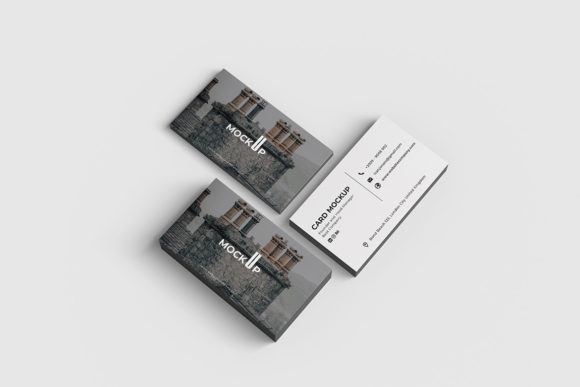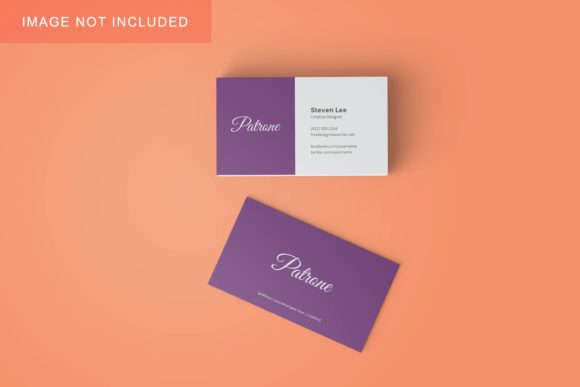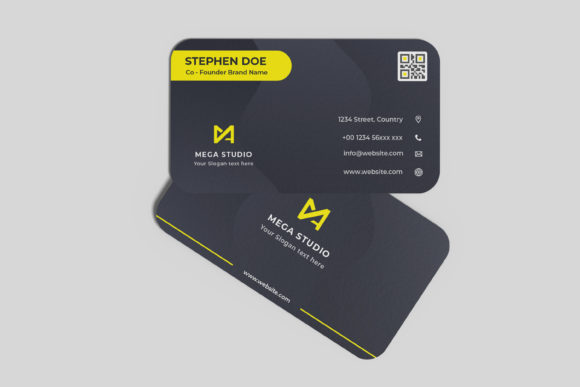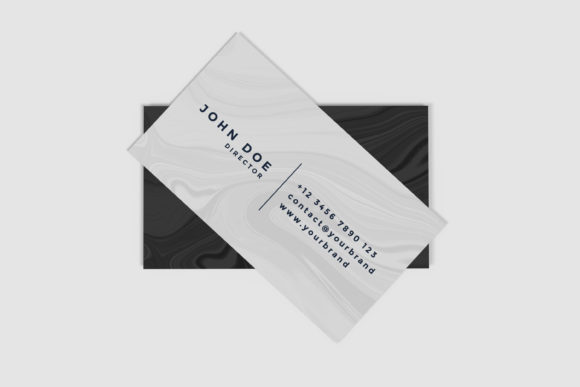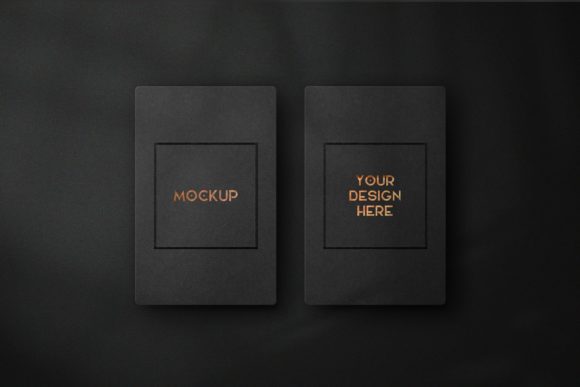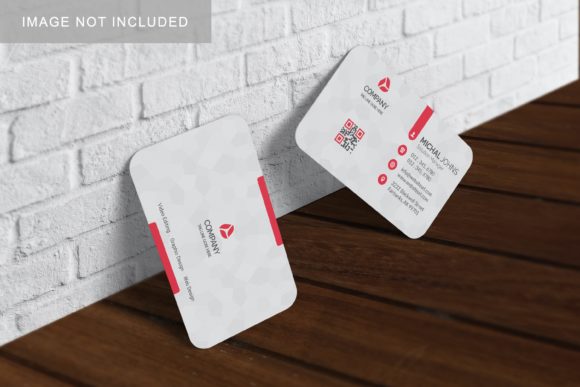
Realistic Business Card Mockup V3
Let’s be honest: presenting a flat image of a business card on a white background rarely does the design justice. It feels sterile, disconnected from reality, and often fails to convey the texture, weight, or premium feel of the final printed product. If you are a designer, freelancer, or small business owner, you know that first impressions matter. Your business card is often the tangible bridge between a digital interaction and a physical relationship. That is where Realistic Business Card Mockup V3 becomes an indispensable tool in your workflow.
This isn’t just another template; it is a practical solution for showcasing your designs professionally in a realistic 3D display. Whether you are preparing a portfolio for a client pitch, launching a new brand identity, or simply need to visualize how your layout looks before hitting print, this mockup bridges the gap between concept and reality. By using smart-object features within Photoshop, you can replace the current designs with your own within seconds, saving time while elevating the perceived value of your work.
Why Realism Matters in Design Presentations
When you send a PDF of a business card to a client, they have to use their imagination to see how it will look in real life. They wonder about the paper stock, the lighting, and the overall aesthetic. A realistic mockup removes that ambiguity. It provides context. When clients see a design rendered in a lifelike environment—perhaps resting on a wooden desk next to a coffee cup or held in a hand—they can instantly grasp the scale, color accuracy, and visual impact.
Realistic Business Card Mockup V3 leverages high-resolution rendering (300 dpi) at a substantial size (3000x2000 px) to ensure that every detail is crisp. This resolution is critical because it allows you to zoom in without pixelation, demonstrating professionalism and attention to detail. In a competitive market, looking polished isn’t optional; it’s a requirement. Using a high-quality mockup signals to your audience that you care about the nuances of presentation, which often translates to trust in the quality of your actual services.
Who Benefits from This Tool and How?
The utility of this mockup extends far beyond professional graphic designers. Because it is built on user-friendly Smart-Object technology, it caters to a wide array of users who need to present visual materials effectively. Here is how different groups can leverage this resource in their daily operations.
Freelancers and Agency Designers
For those selling their services, the mockup is a sales asset. When pitching a rebranding package, showing the new logo on a realistic business card alongside other stationery items creates a cohesive narrative. It tells a story about the brand’s identity. Instead of describing the "modern, minimalist vibe," you show it. The ability to change the background color quickly means you can adapt the presentation to match different moods or client preferences without starting from scratch. This flexibility speeds up the revision process, allowing you to deliver multiple variations efficiently.
Entrepreneurs and Small Business Owners
You might not have a dedicated design team, but you still need to validate your branding choices. Before ordering hundreds of cards from a printer, you can use Realistic Business Card Mockup V3 to test different font pairings, color schemes, and layouts. Imagine you are deciding between a matte black finish with gold foil text versus a clean white card with navy blue ink. By swapping these elements in the PSD file, you can visually compare them side-by-side. This prevents costly printing errors and helps you make informed decisions about your marketing materials.
Educators and Content Creators
If you run a blog, YouTube channel, or online course, your digital presence needs a physical anchor. Educators creating downloadable resources can use this mockup to create attractive cover images for lead magnets or e-books. Bloggers writing articles about "Top Branding Tips" can insert their own examples into the mockup to illustrate points concretely. The ease of use means that even if you are not a Photoshop expert, you can produce professional-looking graphics for your social media posts or website headers by simply dragging and dropping your designs.
Practical Scenarios for Application
To understand the true value of this tool, consider some real-world scenarios where it solves specific problems.
- The Client Revision Cycle: A client requests three changes to their card design. Instead of manually editing each version in a complex layout software, you open the PSD, update the Smart Object for Version A, save, and export. Then, duplicate the layer, update for Version B, and so on. What used to take hours now takes minutes.
- Social Media Engagement: You want to share a behind-the-scenes look at your design process. Posting a flat image is boring. Posting a video or a series of images showing the card being "assembled" in the mockup, with changing backgrounds and angles, generates significantly more engagement. The 3D aspect adds depth that static images lack.
- Portfolio Enhancement: When applying for jobs or freelance contracts, your portfolio is everything. Including mockups of your work in realistic settings shows potential employers that you understand presentation and marketing. It demonstrates that you think about how your work will be consumed, not just how it is created.
Technical Features That Drive Efficiency
While the artistic outcome is important, the technical specifications of Realistic Business Card Mockup V3 are what make it a sustainable part of your workflow. The inclusion of a PDF help guide is a thoughtful touch. Many users skip tutorials, assuming tools should be intuitive. However, having clear instructions ensures that even beginners can navigate the Smart-Object features correctly, avoiding common pitfalls like stretching or distorting the design.
The feature to change the background color is particularly powerful. In design, context dictates perception. A dark background might suggest luxury and exclusivity, suitable for a law firm or a high-end restaurant. A light, airy background might suggest approachability and creativity, fitting for a daycare center or a tech startup. Being able to toggle these backgrounds instantly allows you to tailor your presentation to the specific psychological trigger you want to evoke in your viewer.
What to Consider Before Using
Before diving in, keep a few practical considerations in mind. First, ensure your source design is high-resolution. Since the mockup is 300 dpi, feeding it a low-res image will result in a blurry final output, undermining the realism you are trying to achieve. Always start with vector files or high-DPI raster images.
Second, pay attention to the lighting and shadows in the original mockup. When you replace the design, ensure that your colors and contrast levels complement the lighting of the scene. A design that looks perfect on a screen might appear washed out under the simulated lighting of the mockup. Adjusting brightness and contrast within your design file before placing it into the Smart Object can prevent this.
Finally, respect the format limitations. While the PSD file offers immense flexibility, it requires Adobe Photoshop. If you do not have access to this software, you may need to seek alternative solutions or invest in learning the basics of handling Smart Objects, as the skill is transferable to many other design tasks.
Conclusion
In a world saturated with digital noise, tactile and visually appealing presentations stand out. Realistic Business Card Mockup V3 is more than just a file; it is a communication tool that helps you articulate the value of your designs. By combining professional-grade realism with user-friendly features like Smart Objects and customizable backgrounds, it empowers creators, entrepreneurs, and professionals to showcase their work with confidence. Whether you are closing a deal, building a brand, or simply sharing your passion, this mockup provides the realistic stage your designs deserve.